The function of CC-PAON01 is mainly to provide power to the field equipment in the control system. Its specific functions may include stable power supply, protection, overload prevention, fault monitoring, etc.
In terms of application areas, CC-PAON01 may be used in areas where a stable power supply is needed for equipment in control systems, such as industrial automation, process control, power systems, etc. In these fields, CC-PAON01 can be used as a power module to provide a stable power supply for various field equipment to ensure the normal operation of the equipment.
CC-PAON01 maintenance mainly includes the following aspects:
Regular cleaning: Clean the surface of CC-PAON01 regularly using a dry cleaning cloth or cotton swab to remove dust and dirt. Avoid using cleaners containing chemicals to avoid damage to the module.
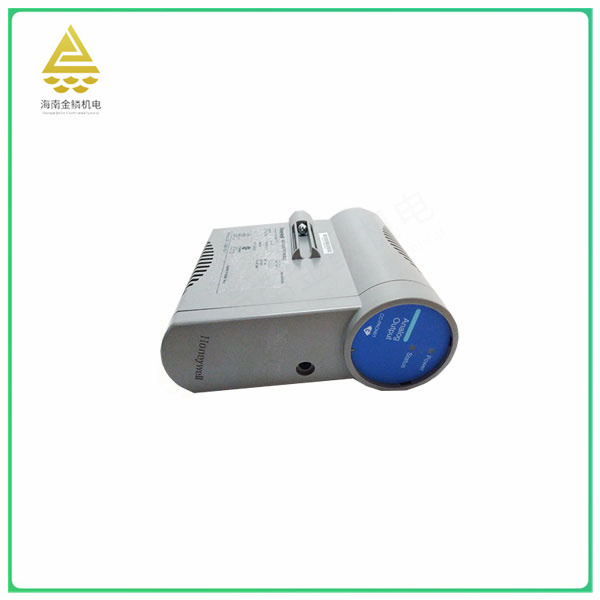
Moisture protection: CC-PAON01 should be placed in a dry, well-ventilated environment to avoid prolonged exposure to wet or humid environments. If the ambient humidity is high, you can place desiccant around the module or use a dehumidifier to reduce the humidity.
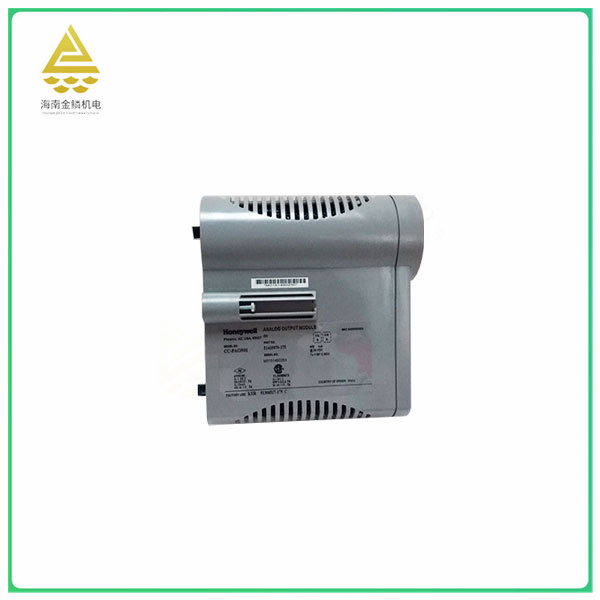
Avoid collision: During use and handling, severe collision or vibration of CC-PAON01 should be avoided to avoid damage to the internal circuit or component of the module.
Regular inspection: Regularly check whether the power cord and interface of CC-PAON01 are firmly connected, and tighten them in time if they are loose. At the same time, check whether the indicators and switches on the module are working properly.
Regular updates: If you are using a programmable logic controller or other programmable device, the firmware or software of the CC-PAON01 should be updated regularly to ensure that it is compatible with the device and maintains optimal performance.
In short,
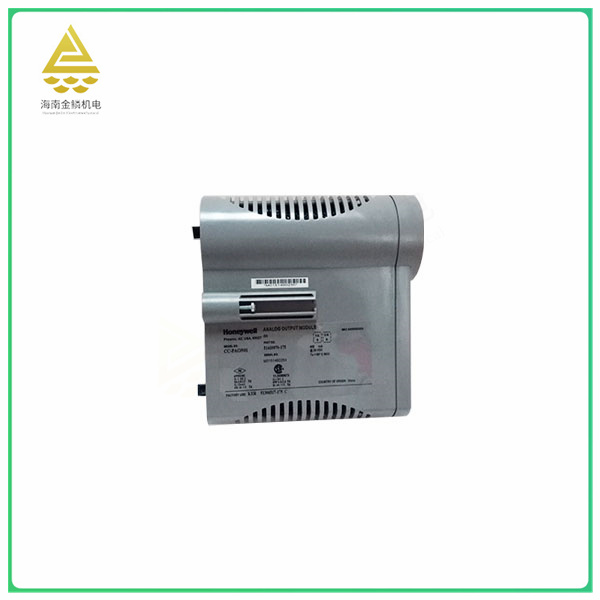
the maintenance of CC-PAON01 needs to be carried out regularly, and pay attention to moisture, moisture, collision avoidance, regular inspection and update. If any abnormality or failure is found, professionals should be contacted in time for repair or replacement.


